What does phishing mean & How to protect your WordPress Site from these attacks?
WordPress is a global CMS with numerous websites under its support. Hence, the risk is particularly high for them as these sites are often targeted due to their popularity and the valuable data they hold. Cybersecurity threats are a major concern for individuals and businesses alike. They include phishing, the most common and deceptive threat cybercriminals use to trick users into revealing sensitive information such as passwords, credit card numbers, and personal details. But what does phishing mean, exactly? To define phishing attack tactics: phishing is an attack where the attacker makes a trustworthy entity to steal confidential information.
Phishing PayPal emails, for instance, are a common method attackers use to deceive users into providing their login credentials. Understanding phishing and how we can prevent phishing attempts is crucial to protecting your WordPress site from these attacks. This guide will explain what phishing means and its potential impact on your website and provide practical steps to safeguard your WordPress site against phishing attempts. Read on to learn the best strategies for stopping phishing attempts on WordPress websites and maintaining visitor security.
Understanding Phishing
Phishing attacks frequently include misleading emails, texts, or websites imputing reputable sources. By creating these misleading features, cybercriminals trick people into thinking they communicate with legitimate businesses or organizations. Users whose information is entered into these fake forms are at risk of identity theft and other sorts of data abuse.
Protecting Your WordPress Site From Phishing
The most important thing you can do today is ensure your WordPress site is immune to phishing attacks. To secure your website, you must follow these rules:
Keep WordPress and Plugins Updated
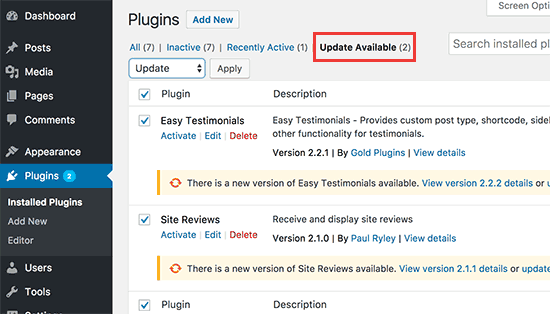
In order to prevent phishing attempts, it is essential to maintain an up-to-date WordPress installation and plugins. WordPress distributes security updates regularly to fix security holes; sometimes, third-party plugins have holes too. Maintaining up-to-date software reduces the opportunity for hackers to exploit vulnerabilities and strengthens your site's security in general. With the help of Easy Updates Manager, you can simply schedule and implement updates for WordPress's core, themes, and plugins.
Use Strong Passwords

Weak passwords are a significant security hole in WordPress and other systems. Insist that anybody who uses your website uses complex, hard-to-guess passwords. Promote the use of complicated passwords using numbers, punctuation, and upper- and lowercase characters. As an additional safety precaution, employ two-factor authentication (2FA). Password security, password rules, and two-factor authentication are all areas where iThemes Security shines.
Install a Web Application Firewall
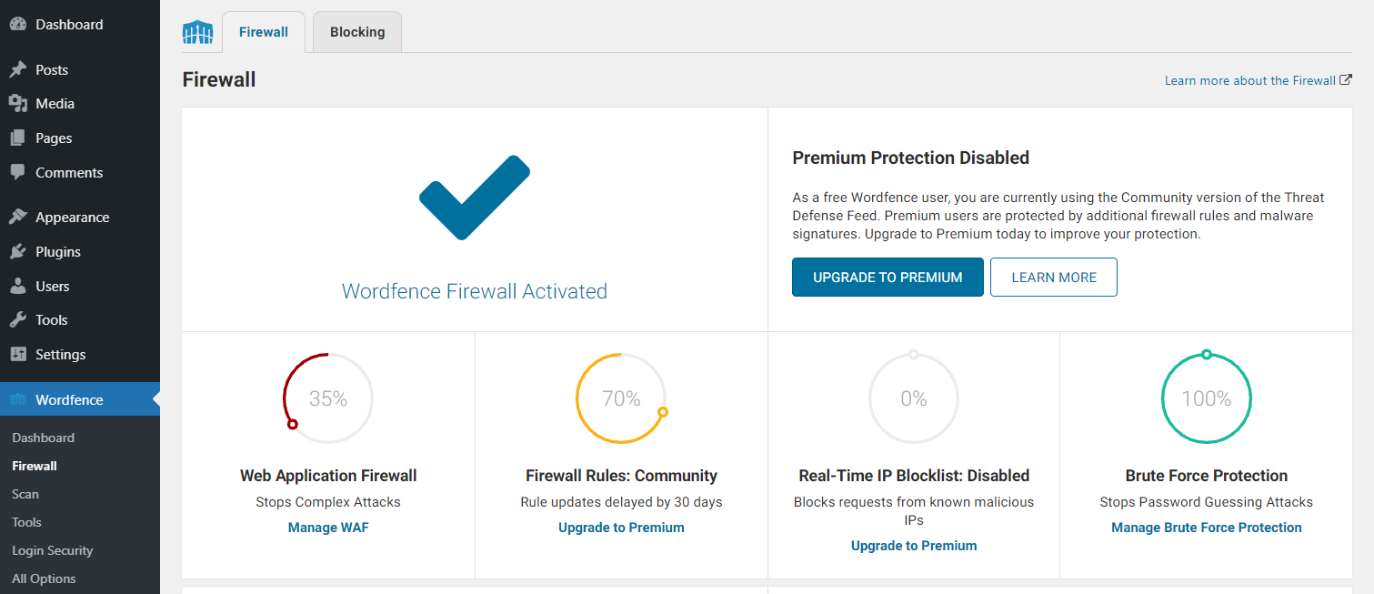
Protecting against phishing attempts and other online dangers is only one of the many uses for a web application firewall (WAF). Before any harm occurs to your WordPress site, this plugin can screen out any malicious activity and stop any suspicious requests. You may protect websites against various threats with the aid of well-known security plugins like Sucuri and Wordfence. These all-inclusive plugins protect a wide range of internet dangers, WAF included.
Implement SSL Encryption
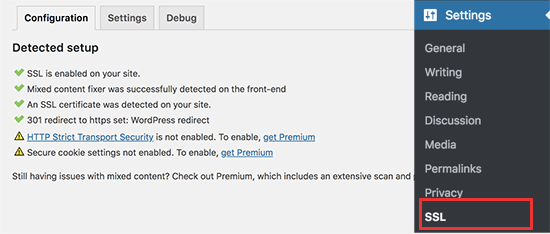
Protecting your WordPress site from phishing requires strong security measures, including using Secure Sockets Layer (SSL) encryption. It makes it more difficult for hackers to steal private information by encrypting communications between your website and its visitors. To enable SSL on your site, you must first purchase an SSL certificate from a reliable certificate authority and set it up. Simple SSL streamlines the process of installing and configuring SSL for use with WordPress, allowing you to use the more secure HTTPS protocol.
Limit User Access
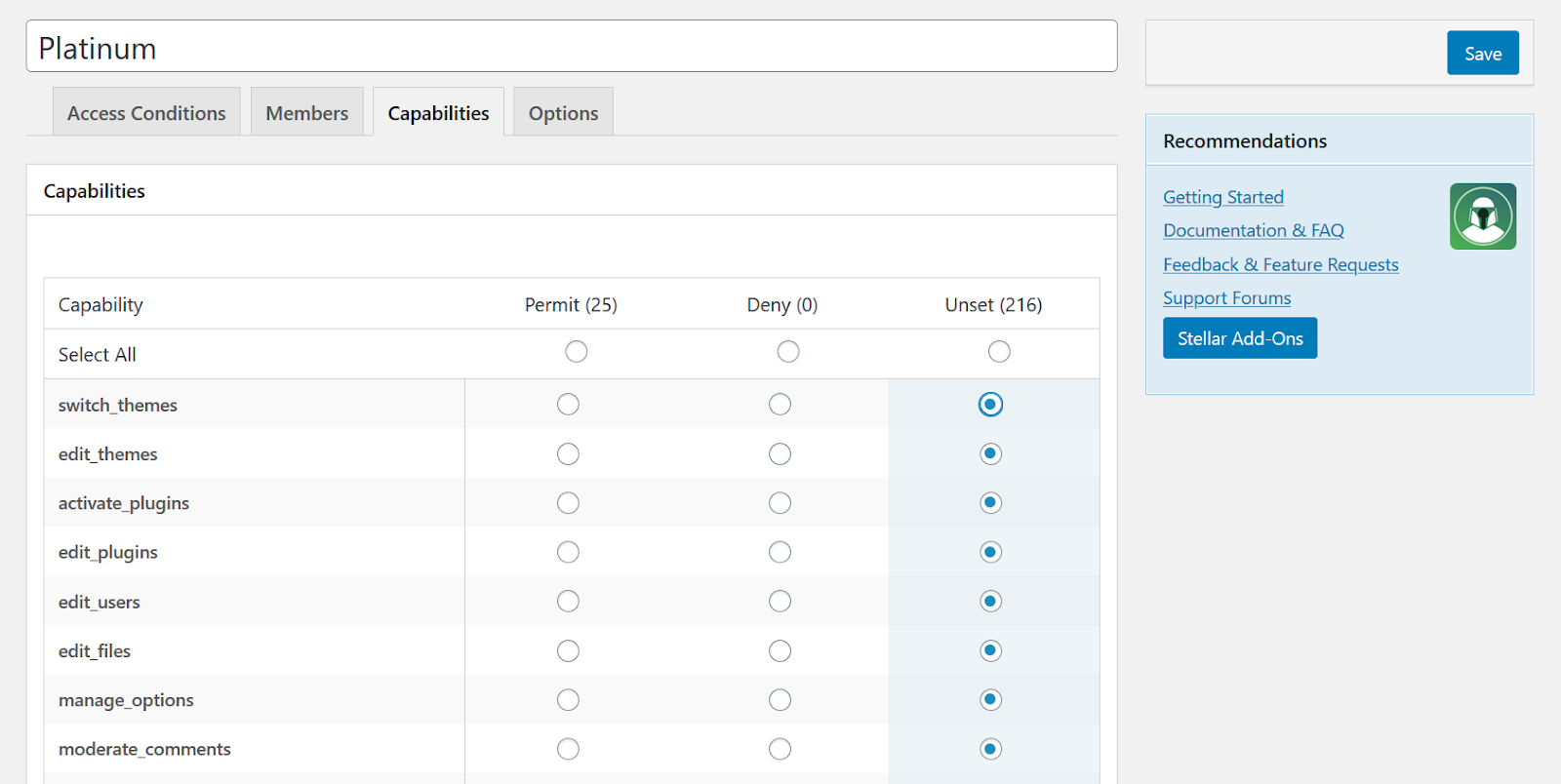
Protecting your WordPress site from phishing attempts and other risks requires taking steps to restrict user access. By giving users just the rights they need, you decrease the possible attack surface and minimize the harm that a rogue user may inflict if they get unauthorized access. For increased overall security and protection against unwanted tampering and data breaches, implement the concept of least privilege on your website.
Educate Your Team
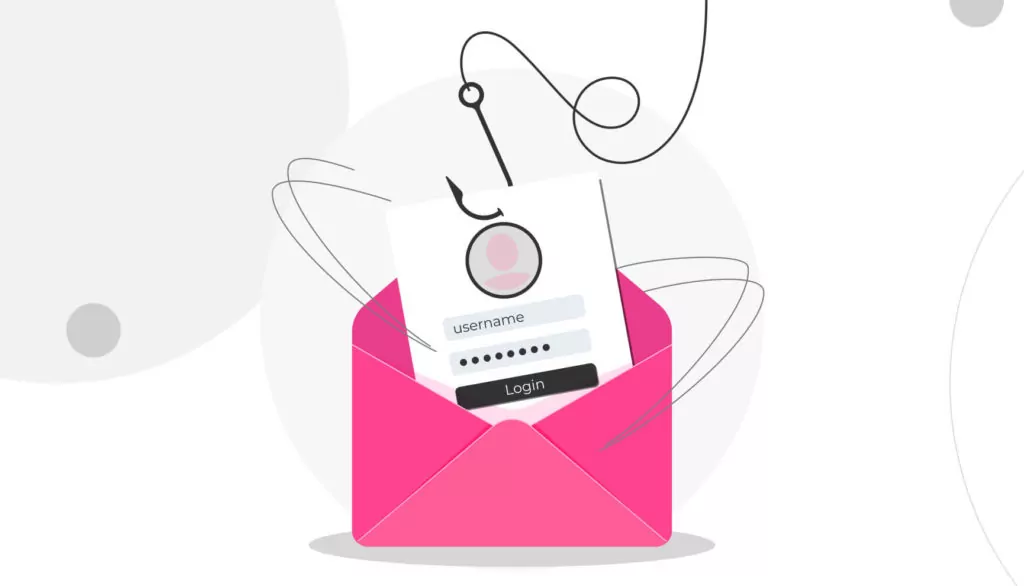
Educating the people who are administering your WordPress site about phishing and why it's important to follow security best practices is crucial. Educate them on the dangers of phishing and how to spot fraudulent requests for personal information sent via email or online forms. Risks can lessen with the support of ongoing training and awareness initiatives.
Regularly Backup Your Website
Creating frequent backups of your WordPress site is critical. You can roll back your site to a time before the phishing attack or other security event. If you don't want to lose data because of server problems or cyberattacks, keep copies of everything in a safe, offsite place. Schedule frequent backups and keep them in safe offsite places with the help of the famous UpdraftPlus backup plugin.
Monitor Your Site for Suspicious Activity

You may achieve rapid detection and countermeasures against phishing attempts through real-time monitoring tools and security plugins. Tools like these can notify you of unusual login attempts, illegal access, and other irregularities so you can take corrective measures immediately.
Disable Directory Listing
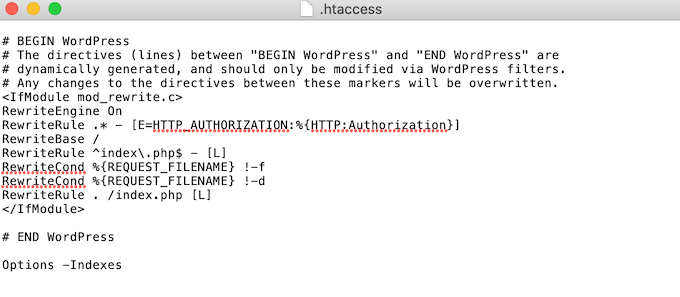
By default, WordPress permits directory listings, meaning anybody may see the contents of directories on your server. If important files are exposed, this might be a security issue. You may prevent directories from being shown by using "Options -Indexes" in your site's.htaccess file.
Verify Email Sources
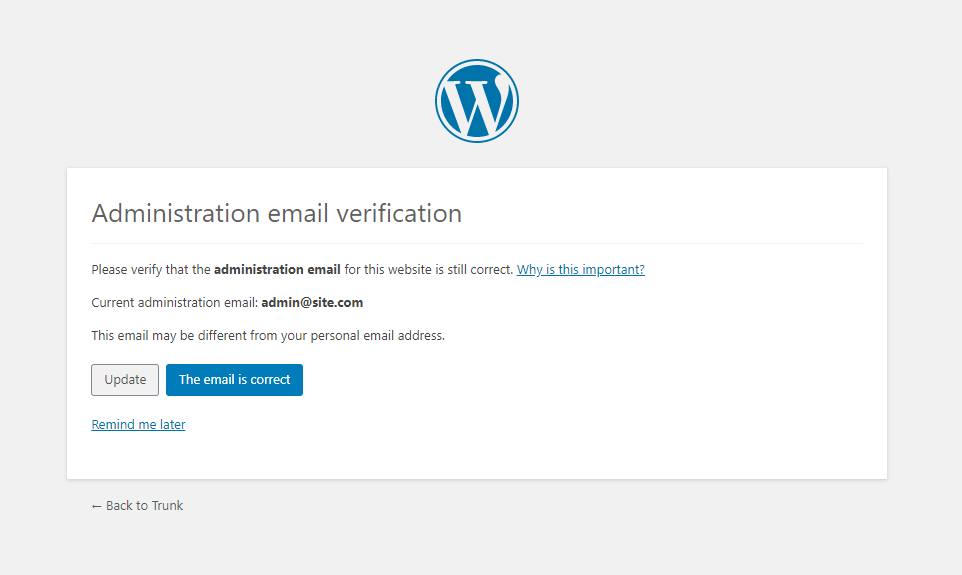
One essential step in a phishing assault is typically a trick email. Be wary about opening attachments or clicking on links from people you don't know or trust, and remind your colleagues to do the same. If you have any reason to suspect that an email is not genuine, you must take steps to verify the sender's email address and contact the purported sender through appropriate means.
Employ Anti-Phishing Plugins
WordPress users may choose from several plugins made to block phishing attempts. These plugins can strengthen security by checking all incoming messages, forms, and website content for signs of phishing. WP-SpamShield Anti-Spam, Brute-Force Firewall, and Anti-Malware Security are three of the most popular choices.
Stay Informed
Learn about the most recent developments in phishing methods. Cybercriminals are constantly refining their methods, so keeping up with the latest developments is essential for fending off emerging dangers. Follow security professionals on social media and sign up for security-related newsletters to remain informed.
Conclusion
Phishing attacks are a big concern to WordPress websites, as they target users to steal critical information. So, how can we prevent phishing? By doing the actions mentioned above, you will considerably reduce your susceptibility to phishing fraud.
By frequently monitoring it for unusual activity, turning off directory listings, verifying the origins of emails, utilizing anti-phishing plugins, and staying up to date with emerging trends, you may further strengthen your website's defences. Using these safeguards, you can protect your WordPress website from phishing attempts. Moreover, the support and contact us forums on Theme Pride can generate your ticket, and the support team will resolve all your queries, respond to you as soon as possible, and offer you peace of mind
Search
Blog Categories
WordPress Theme Bundle

Bestseller Themes