How to Optimize WordPress Themes for SEO: Tips and Tricks

Creating a strong online presence always begins with building a WordPress website. Optimizing WordPress themes for SEO will help your site show up on search engines and appeal to the correct audience. Driving organic traffic, enhancing visibility, and raising interaction depend critically on search engine optimization (SEO). Even excellent content can bury itself in search results when your WordPress theme is not SEO-friendly.
A good on-page SEO starts with using SEO friendly WordPress themes. Search engines having clean code, fast loading speed, responsive layouts, and schema mark qualities, these themes are built with in mind. However, choosing the right theme is just one part of the process. Using SEO best practices for WordPress that is, correct heading structure, meta tags, image optimization, and mobile responsiveness will improve the performance of the site even more.
At ThemesPride, we see how crucial SEO is to building a website. Our collection of professionally designed WordPress themes is built with performance and search engine optimization in mind. Whether you are business owner, blogger, or developer, our themes offer a strong SEO basis that will help you rank higher in search results and reach more people.
We will walk you through practical tips and tricks on how to optimize WordPress themes for SEO. From theme choice to customizing methods, you will learn how to create not only aesthetically pleasing but also completely search engine friendly PHP website.
1. Choosing an SEO-Friendly WordPress Theme
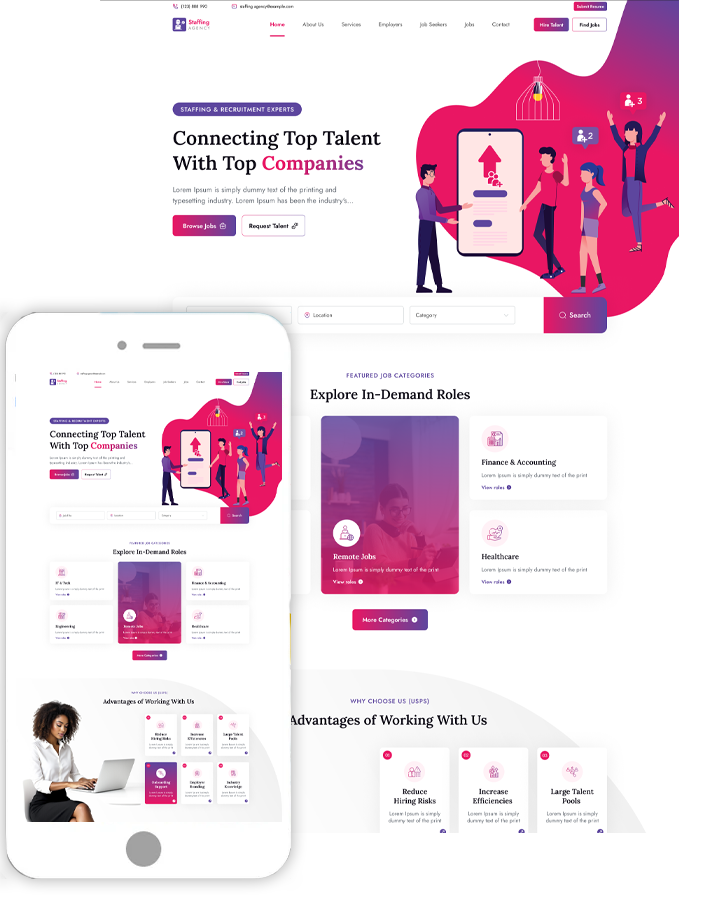
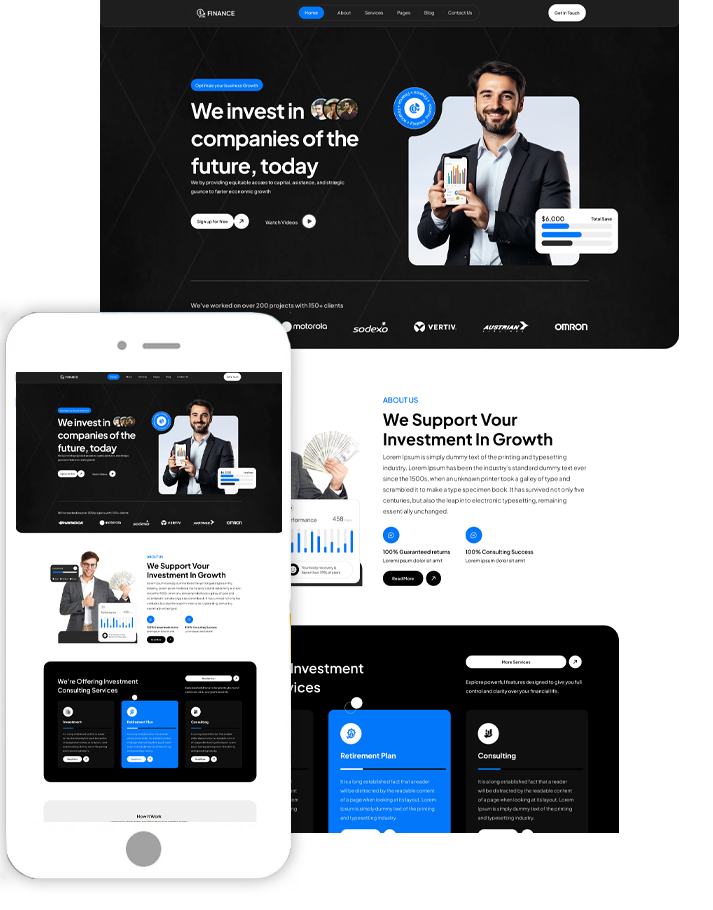
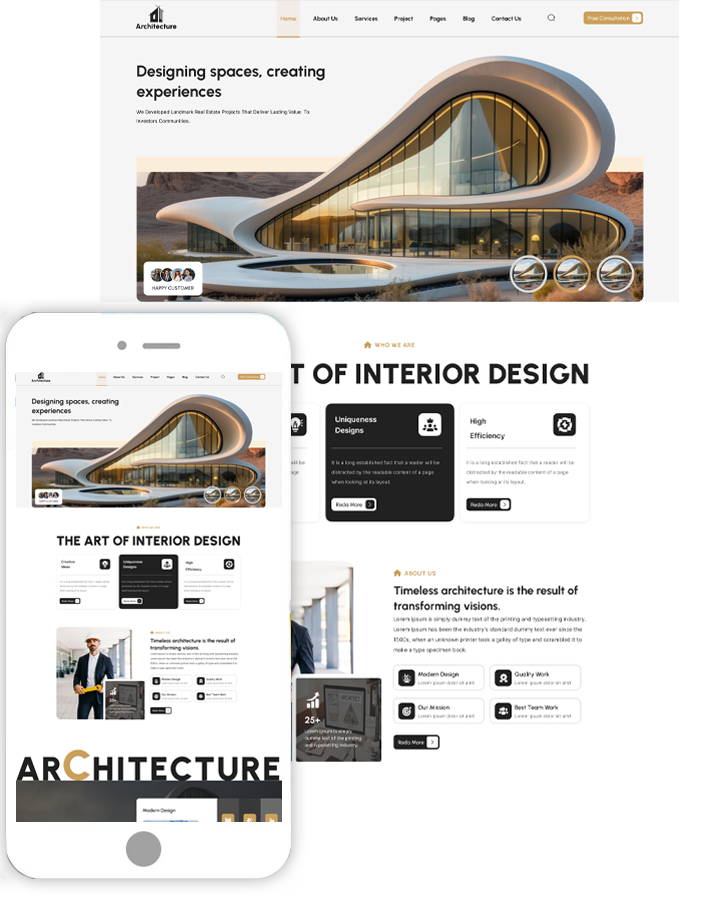
Choosing an SEO-friendly theme is the first step toward maximizing your WordPress site for search engines. Your site's ranking and visibility will much improve with a responsive, lightweight, well-coded theme. There are several themes created at ThemesPride with consideration for SEO and performance. At ThemesPride, you’ll find a variety of ecommerce website templates built with SEO and performance in mind. Here are three standout themes from their eCommerce collection:
Bookshop WordPress Theme

Designed especially for publishing companies and internet bookstores, this bookshop WordPress theme has fast loading speed and neat, semantic coding. It is totally mobile-responsive, includes customizable sections, and supports WooCommerce integration. Modern SEO depends on search engines crawling and understanding your site content, thus its structured data-ready approach helps them more easily.
Car Repair WordPress Theme

Perfect for mechanics and auto repair facilities, this car repair WordPress theme is not only aesthetically pleasing but also best for performance. Fast page load times, responsive design, and SEO-friendly layouts abound here. Designed with user experience in mind, it guarantees minimum bounce rates and increased engagement, both of which help to improve the search results of your website.
Carpenter Workshop WordPress Theme

Local service providers, furniture designers, and woodworkers all would find this carpenter workshop WordPress theme perfect. Its simple design and adjustable widgets give great usability. The theme supports quick navigation, schema integration, and retina-ready images all of which help to improve search engine performance while yet keeping a professional look.
2. Improving Website Speed and Performance
One important SEO ranking criteria is website speed. Reducing visibility on search engines, poor user experience, and high bounce rates can all flow from slow websites. Lightweight and fast optimized for speed, the themes from Theme Pride help your pages load rapidly on all devices. With clean code, minimal dependency on heavy scripts, and compatibility with caching plugins, these themes ensure that your website performs efficiently. Fast websites also enhance the chances of better indexing and higher rankings on platforms like Google.
3. Ensuring Mobile Friendliness
With mobile-first indexing now a priority for search engines, ensuring that your website looks and functions well on mobile devices is non-negotiable. Every theme from ThemesPride is designed to be completely responsive, adjusting effortlessly to various screen sizes such as desktop, tablet, or smartphone. Mobile-friendly layouts raise your SEO performance, lower bounce rates, and increase usability. Responsiveness should be first on your list if you want to optimize WordPress themes for SEO and ThemesPride makes that decision simple.
How to Perform SEO Practices on Your WordPress Website?
Beyond selecting the appropriate theme, optimizing your WordPress website for search engines requires using continuous SEO best practices to enable discovery and ranking of your material. Here are some basic SEO guidelines to raise the performance and visibility of your website:
1. Install a WordPress SEO Plugin
Using a specific plugin is one of the simplest approaches to start your search engine optimization project. Popular plugins including Yoast SEO, Rank Math, or All in One SEO offer means to maximize your titles, meta descriptions, URLs, and content readability. They also provide ideas to make your pages better and on-page SEO analysis.
Tip: Major SEO plugins are compatible with Theme Pride themes, which facilitates integration and configuration of your SEO plan.
2. Optimize Page Titles and Meta Descriptions
Your title tag and meta description are what users see on the search results page. They should be clear, keyword-rich, and compelling enough to encourage clicks. Plugins like Yoast SEO allow you to edit these easily for every post and page.
- Title Tag: Keep it under 60 characters and include your primary keyword.
- Meta Description: Aim for 150–160 characters with a call-to-action and keyword inclusion.
3. Use SEO-Friendly URLs (Permalinks)
Short, descriptive, and keyword-optimized URLs help both users and search engines understand your content. For example, use:
www.yoursite.com/wordpress-seo-tips/
instead of:
www.yoursite.com/page?id=123
Go to Settings > Permalinks in your WordPress dashboard and choose the “Post Name” structure for better SEO.
4. Emphasize on Keyword Research
Use tools like Google Keyword Planner, Ubersuggest, or Ahrefs to find relevant keywords your audience is searching for. Incorporate these keywords naturally into your headings, content, image alt texts, and meta tags. Avoid keyword stuffing focus on providing real value.
5. Add links both inside and outside.
By spreading link equity, internal links link your pages and assist users to navigate your website, so improving SEO. External links to credible sources increase relevance and help to build confidence.
- Link to pertinent product pages or blog entries included into your work.
- Add outgoing links to reliable industry resources or partner websites.
6. Use Alt Text for Every Image
Using descriptive alt attributes for every image is absolutely vital since search engines cannot "see" images. This enhances accessibility for those with vision problems in addition to SEO.
7. Optimize Website Speed
As mentioned earlier, site speed is a Google ranking factor. Compress images, enable caching, and use a reliable hosting provider. ThemesPride themes are built with speed and performance in mind, helping your site load faster and rank better.
8. Make Your Website Mobile-Friendly
A responsive website is essential for SEO. With ThemesPride’s mobile-optimized themes, your site will perform seamlessly on all devices, improving both user experience and rankings.
9. Use Schema Markup
Structured data or schema markup helps search engines understand the context of your content. Plugins like Schema Pro or built-in features in SEO plugins can help add this markup to your pages. This enables rich snippets in search results, like star ratings, FAQs, or product prices.
10. Submit Your Site to Search Engines
Use Google Search Console and Bing Webmaster Tools to submit your sitemap, track performance, and monitor issues. WordPress SEO plugins typically help generate and manage sitemaps automatically.
Conclusion :
Optimizing your WordPress website for SEO is about creating a fast, responsive, well-structured website that provides actual value to visitors and is easily understood by search engines, not only about including keywords. From choosing an SEO-friendly WordPress theme to using best practices including image optimization, internal linking, and schema markup, every element counts toward raising the visibility and performance of your website.
At ThemesPride, we understand the importance of SEO in today’s digital landscape. That’s why our themes like the Bookshop WordPress Theme, Car Repair WordPress Theme, and Carpenter Workshop WordPress Theme ,are built with clean code, fast loading speeds, mobile responsiveness, and plugin compatibility to help you build a website that not only looks professional but also ranks well on search engines.
Choosing the appropriate theme sets the groundwork for good SEO whether your company is launching an eCommerce store, a service-based company, or a personal blog. Following the advice and methods in this guide will help you to boldly improve your WordPress website and keep ahead of the search results.
Looking for the right place to start? Explore ThemesPride’s collection of SEO-friendly WordPress themes and set your website up for long-term success.
Search
Blog Categories
WordPress Theme Bundle

Bestseller Themes