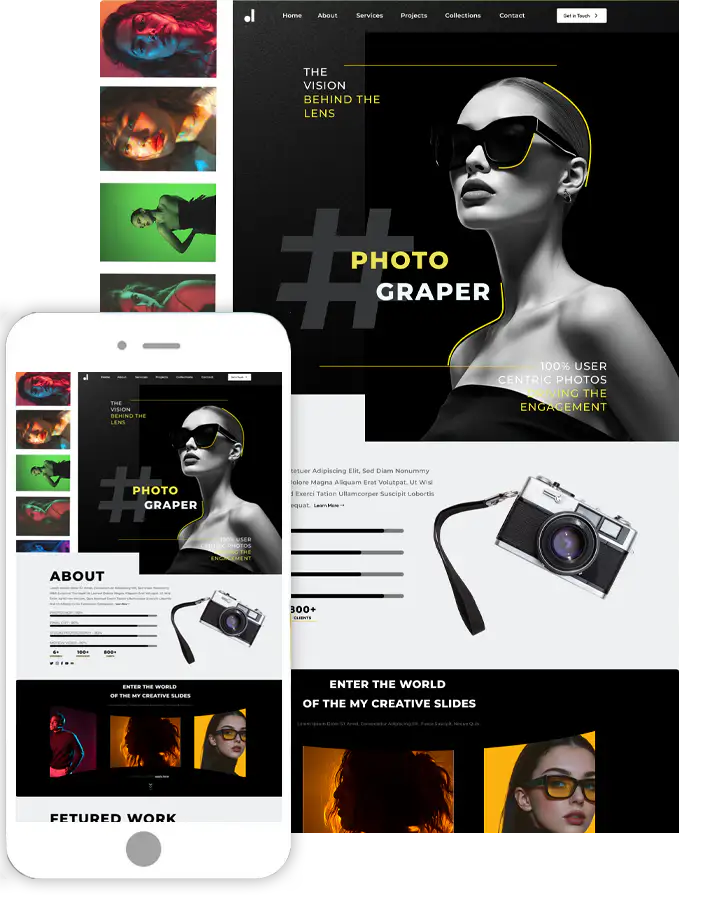
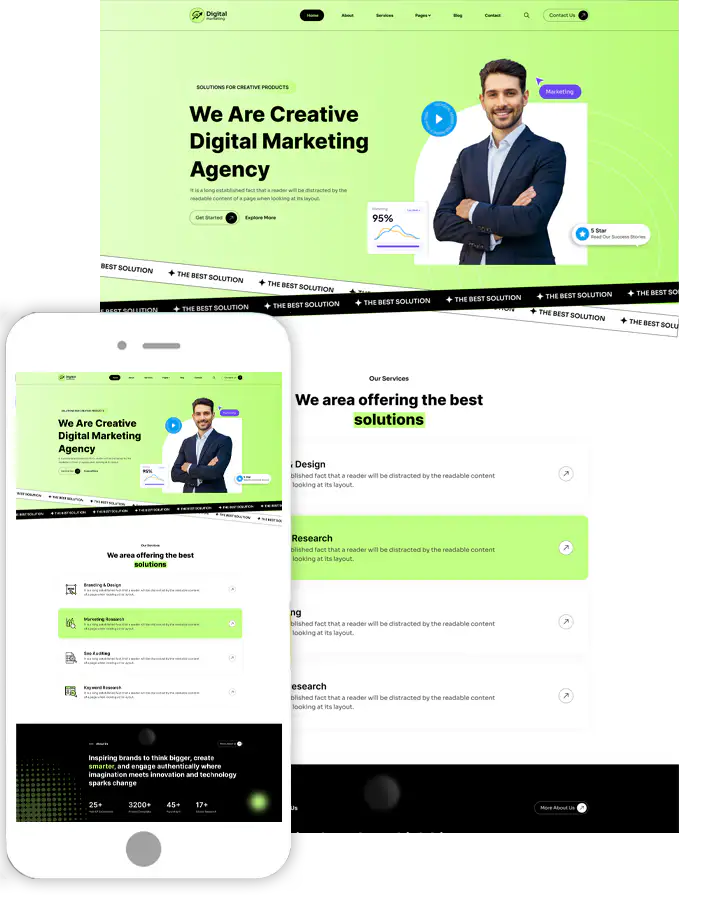
How to Redesign a Website in WordPress with Ease?

Introduction
Are you looking for how to redesign a website in WordPress? If yes, then this blog is the right place to do so.
Redesigning a WordPress website is a strategic process beyond simply updating visuals; it’s about enhancing the entire user experience, improving performance, and aligning the site with evolving business goals. A successful redesign can increase engagement, better search engine rankings, and higher conversion rates. However, it requires careful planning, execution, and testing to ensure the new design effectively serves your audience and meets business objectives.
Whether you want to rebrand, make the site mobile-friendly, improve loading times, or make navigation more intuitive, a WordPress redesign allows you to create a more engaging and effective digital presence. This guide will take you through the step-by-step process of redesigning your WordPress website, from planning and choosing the right tools to gathering feedback after launch.
Why Redesign a WordPress Website?
Redesigning a WordPress website can bring numerous benefits, depending on your goals and the specific challenges your current website faces. Here are some key reasons to consider a redesign:
1. Improved User Experience (UX)
Making your website easier to navigate helps visitors find the information they need quickly. Optimizing images, reducing code, and improving performance can speed up your website. Ensuring the site works seamlessly across all devices is crucial as more traffic comes from mobile users.
2. Increase Conversion Rates
A redesign can make your CTAs more prominent, driving users to take desired actions like signing up, purchasing, or contacting. Rearranging the layout to guide users through the sales process can lead to higher conversions. Streamlining the purchase process can reduce cart abandonment rates.
3. Improve SEO
A clean and organized layout makes it easier for search engines to crawl and index your website. A redesign can help implement SEO best practices, like optimizing images, headlines, and meta descriptions. Search engines favor faster websites, and a redesign can help you optimize performance.
4. Outdated Design and Functionality
Older themes might lack modern features, be poorly optimized, or not support the latest WordPress updates. Updating to a new version of WordPress can sometimes cause compatibility issues with older plugins and themes. This is another reason to think about the question of how to redesign a website.
5. Security Enhancements
Older themes or plugins might have vulnerabilities. A ecommerce website redesign allows for replacing them with secure alternatives. Modern web development includes enhanced security practices that might not have been applied to your existing site.
6. Implement New Features or Technology
Adding modern plugins or tools to enhance functionality, like chatbots, pop-ups, or booking forms. A redesigned site can include better tracking tools to understand user behavior. Implementing a more flexible and customizable theme that suits your specific needs.
7. Improve Site Performance & Maintenance
A redesign can clean up redundant or outdated code, improving site performance and reducing server load. Modern themes and plugins are often easier to update and maintain, requiring less manual effort.
8. Shift to New Goals or Business Focus
A shift in focus, like targeting a different audience or offering new services, might require a complete redesign.
When to Redesign your WordPress Website?
Before questioning how to redesign a website it is necessary to decide on the right time to redesign your WordPress website involves assessing various factors that indicate when a refresh is necessary. Here are some signs that it might be the right time to consider a redesign:
1. Outdated Design and Aesthetics
If your website looks old-fashioned compared to competitors or modern websites, it may be time for an update. An outdated design can have a bad impact that your business is running behind the trends. If your website no longer aligns with current design trends, it might be time to refresh to stay visually appealing to users.
2. Branding Inconsistency
If your business has rebranded or you’ve updated your logo, color scheme, or brand identity, your website should reflect these changes to maintain brand consistency. A shift in business model, such as introducing new services, targeting a different audience, or adopting new content strategies, often requires a redesign.
3. Security Concern
If your site has been compromised or shows security weaknesses, a redesign can help you implement updated security measures. If you haven’t moved to HTTPS yet, a redesign is an opportunity to secure your website and protect user data.
4. Upcoming Milestones
As your website traffic grows, you may need to redesign your website to handle higher loads, improve server response times, and scale content delivery. If you’re adding more content, such as blog posts, videos, or portfolios, your current design might not support this content in an organized way. If your website lacks modern features like interactive elements, chat functionality, or e-commerce capabilities, a redesign can help integrate them.
5. Declining Conversions
If you notice a decline in sales, sign-ups, or other key conversions, it might be a sign that your site is no longer effective at engaging visitors. Higher bounce rates tell you that visitors coming on your website are leaving without much interaction. This could mean your design isn't user-friendly, doesn't meet expectations, or isn't loading fast enough. A drop in search engine traffic might suggest that your site isn’t keeping up with current SEO practices or that it needs better content and structure.
How to Redesign a Website in WordPress?
Small business website redesign involves several steps, ranging from planning the changes to implementing them without disrupting the live site. Here's a complete guide that will help you redesign a website in WordPress:
1. Choose the Right WordPress Theme
The most important step in redesigning your website is choosing a theme that suits your niche. Choosing the right WordPress theme is crucial, as it directly impacts the look, feel, and functionality of your site.
You must choose a theme with a superb range of designs and features to count. Here are some of the notable factors you must know while choosing the right theme:
- Know your website purpose and the niche you are holding.
- Understand your target audience.
- Look for the mobile-first approach.
- It must be compatible with popular website builders along with customization.
- The theme should comply with the SEO standards.
- Focus on the simple and visually appealing design.
- Look for the right reviews and ratings on the theme.
- Also, make sure your theme is chosen from the right theme source.

So, these are some of the notable factors that you must know while choosing the right theme to redesign your website. Also, the theme source matters the most when it comes to choosing the right theme.
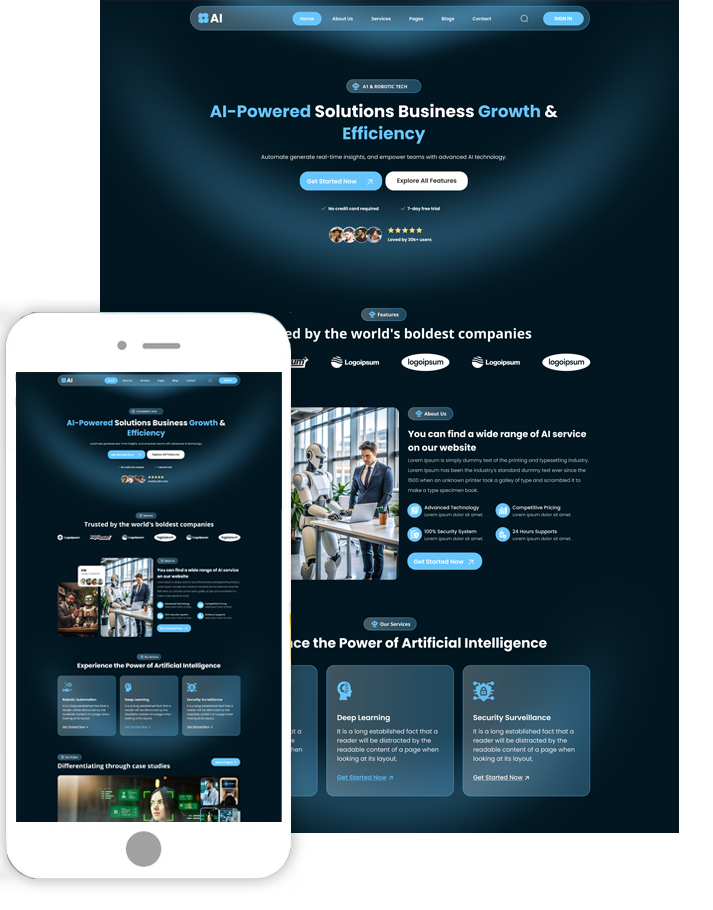
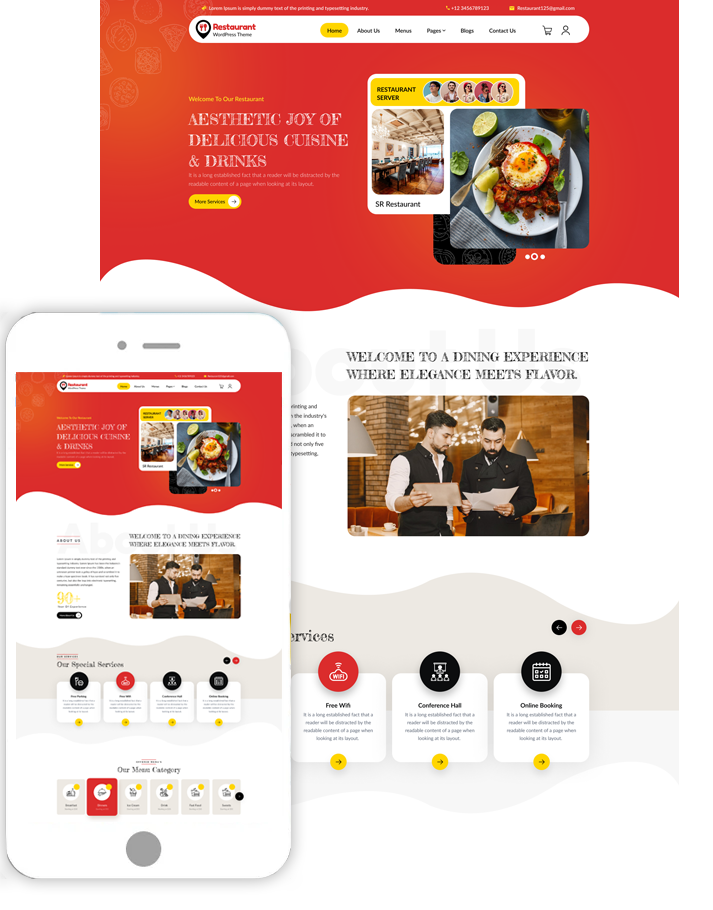
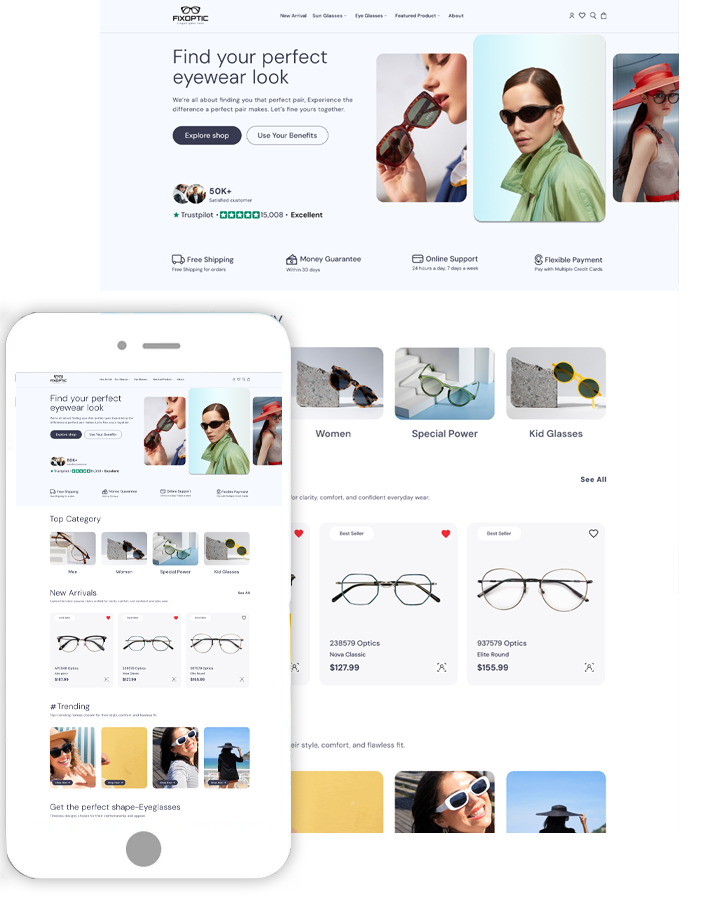
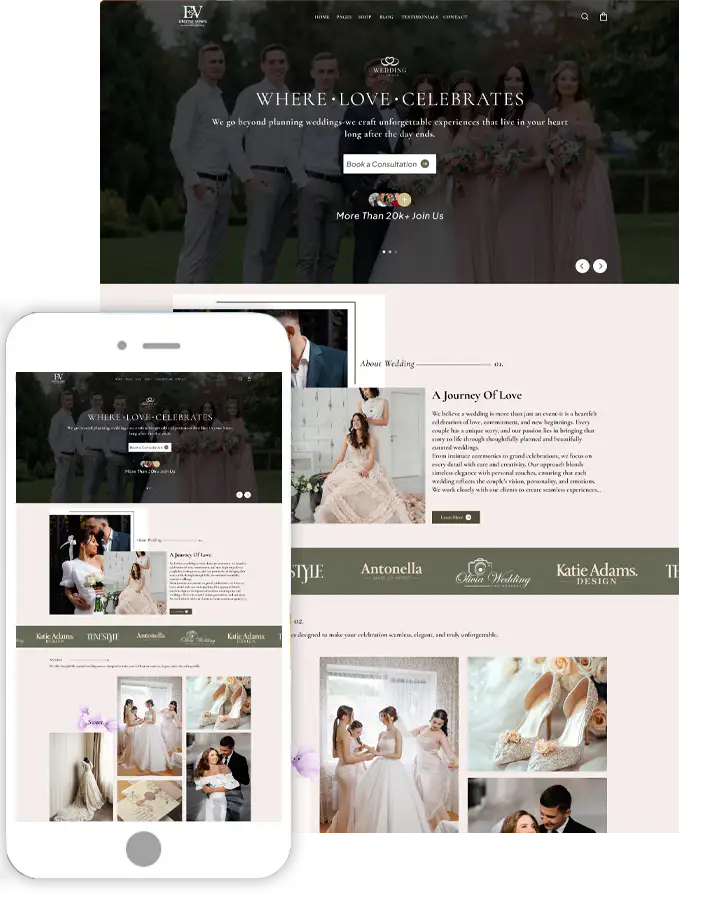
There are so many theme sources you will find on the web. Among the most popular ones, we are sticking to the ThemesPride theme source for this guide.
ThemesPride has the most innovative and best WordPress themes that count all the above features for a perfect theme. Also, the themes have superb quality along with regular updates and more features to count. They have a huge range of themes that are available for every niche or blogging website you have. You can simply visit their official website and, under the Themes collection, find the best theme under the category that suits your website.
2. Plan the Redesign Launch Strategy
Identify what you like and don’t like about the existing design. Look for user feedback, analytics data (Google Analytics), and SEO performance to identify areas for improvement. Clearly define what you want to achieve with the redesign (e.g., better user experience, improved mobile responsiveness, faster loading times, or a modern look). Look at other websites in your industry for inspiration on design, structure, and functionality.
3. Sketch an Wireframe
Creating a wireframe is an essential step in how to redesign a website. It helps you visualize the layout, structure, and content hierarchy before you dive into the design process. A wireframe is a simple, low-fidelity blueprint of your website that focuses on layout and functionality, not design aesthetics.
4. Plan the Website's Navigation
Planning the site’s navigation during a professional website redesign is key to creating a user-friendly and effective website. Navigation is how users find and explore your content, so a clear, intuitive menu can make a huge difference in user experience and SEO.
5. Test thoroughly Across Devices.
Testing your WordPress website across all devices is essential to ensure it’s responsive, performs well, and provides a seamless user experience for every visitor. With ThemesPride, you don’t have to worry about compatibility issues. Their themes are fully responsive web designs, adapting perfectly to all device sizes from desktops and laptops to tablets and smartphones.
7. Act on post-launch feedback.
Gathering post-launch feedback is crucial to understanding how users perceive your redesigned WordPress website. This feedback can highlight strengths, identify weaknesses, and guide future improvements. Determine who you want feedback from current customers, regular visitors, new visitors, stakeholders, or employees.
You can use the Google Analytics tool to know how your audience is behaving on your website. Analyze metrics like bounce rate, time on page, exit pages, and page views to see how users interact with the redesigned site.
Conclusion
How to redesign a website is a multifaceted process that goes beyond just aesthetics. It requires a deep understanding of your audience, a strategic approach to content, a focus on usability, and rigorous testing. A successful redesign enhances the user experience, improves SEO, and drives higher engagement and conversions. By planning effectively, using the right tools, and gathering feedback post-launch, you can create a website that not only meets your business goals but also delights your audience.
Approach each phase of the redesign with a methodical mindset, ensuring every step is aligned with your objectives. A well-executed redesign can make a significant impact on your brand's online presence and provide lasting value to your users.
Search
Blog Categories
WordPress Theme Bundle

Bestseller Themes